
Non-Repetitive Shuffle

Where to Find Non-Repetitive Shuffle (And Why Random Keeps Looping)

It is not your imagination.

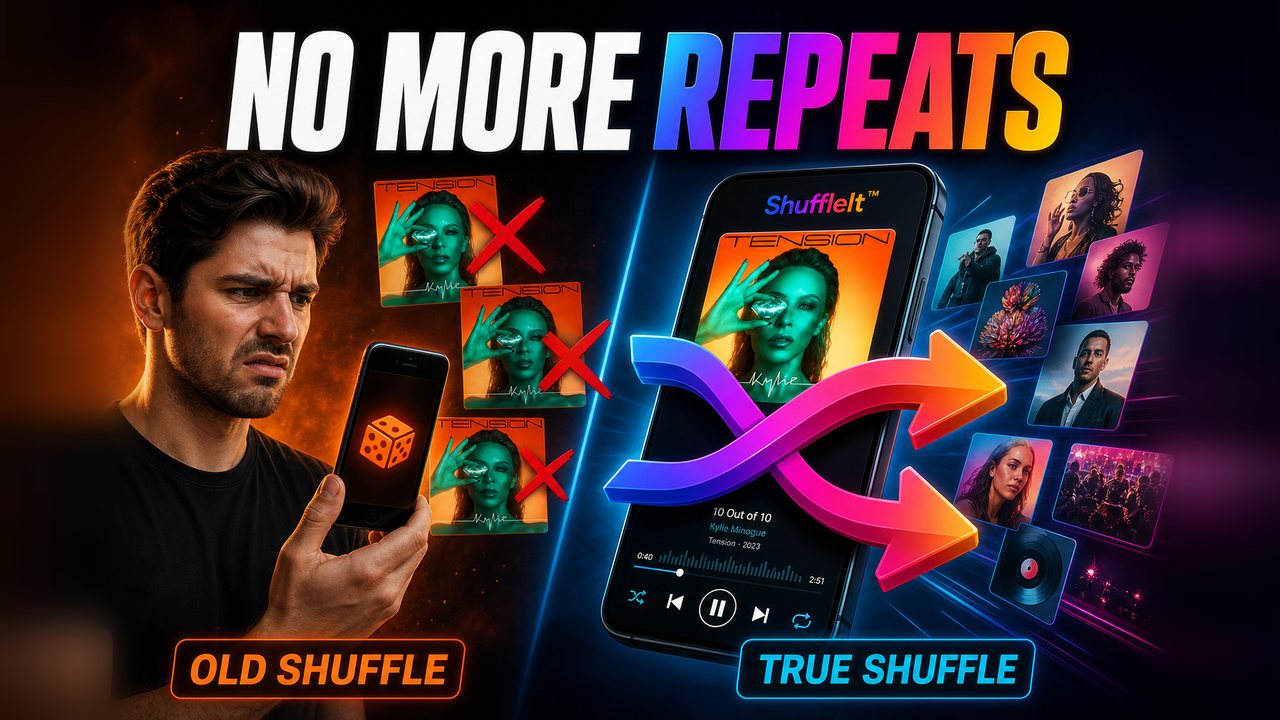
People search for apps with non-repetitive shuffle features because most “shuffle” modes only pick the next song at random. Favorites return for hours while half the library waits. Here is why that happens—and how true shuffle on ShuffleIt™ plays every song once before any track can repeat.

Random Is Not Fair

If every next track is a fresh coin flip, hits and recently played songs will keep coming up. With a library of hundreds or thousands of files, pure chance is a terrible way to hear everything you own. You notice the repeats long before the deep cuts.

Random Shuffle vs. a Real Cycle

Same library. Completely different next-up logic.

Standard Shuffle

Song A
Song B
Song A — again
Song C
Song B — again

ShuffleIt Cycle

Song A
Song B
Song C
Song D
Song E

What most players are doing

Typical shuffle implementations pick from the full set (or a playlist) with little or no memory of what already played. Over a commute you will hear familiar songs cluster. Over a weekend, the same cluster can feel unavoidable. You are not broken. The algorithm is shallow.

Some apps also weight by play counts, “smart” recommendations, or recently added files. That can make the problem louder for people who want every album in a folder-based library, not another recommendation feed.

What true shuffle means

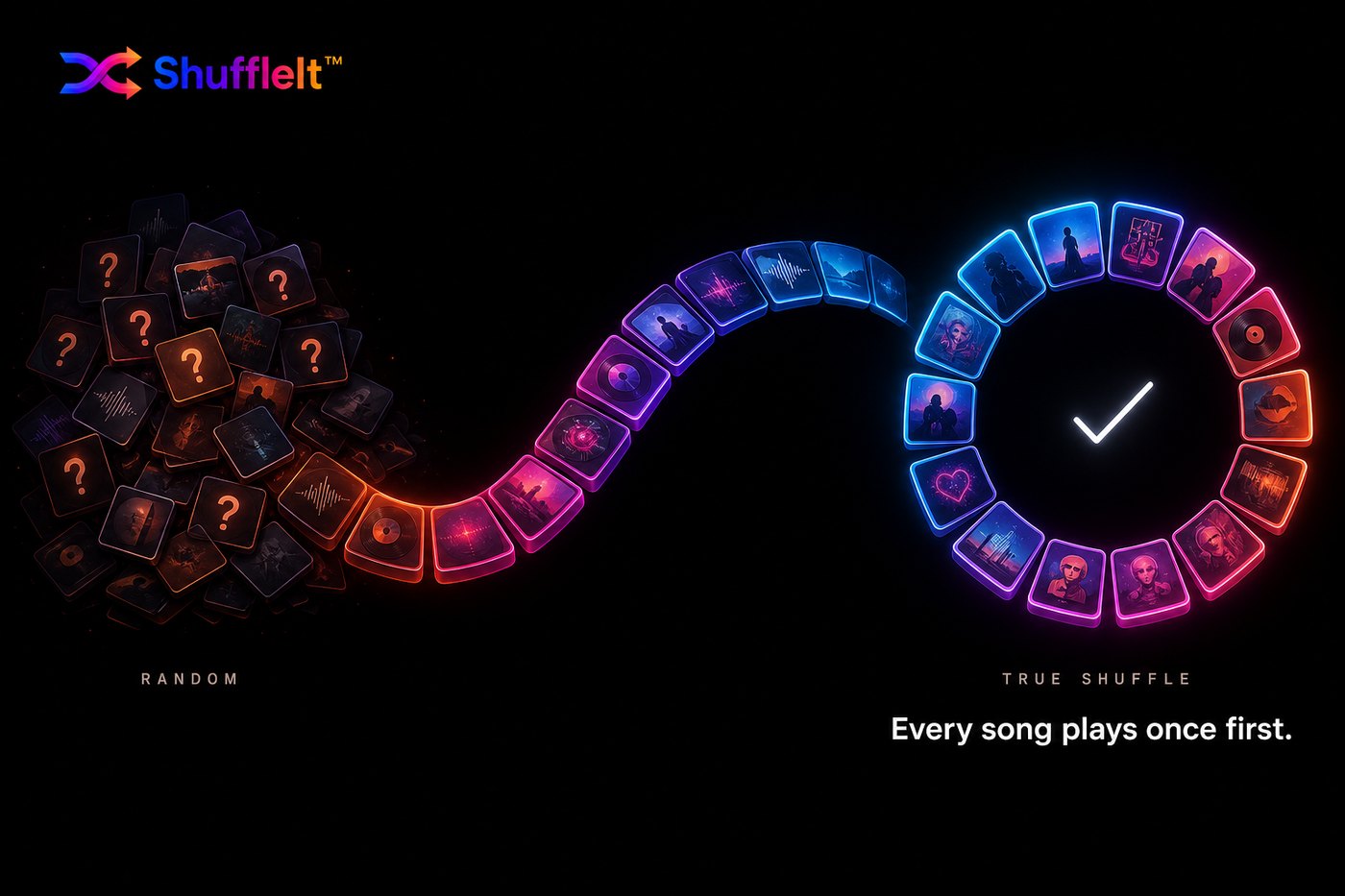
True shuffle tracks a cycle: after a song plays, it is done for the rest of that cycle. The next track is drawn from what is still waiting. When every track has been heard once, the cycle can restart cleanly if you want continuous listening. That is the idea behind Universal No Repeat in ShuffleIt™.

  • Every song in the library plays once before any repeat
  • Artist spacing keeps one artist from stacking back to back
  • Cycle state survives app restarts and playlist hops
  • Works offline on files you already own

Who this is for

If you keep MP3, FLAC, M4A, WAV, or OGG on a phone or PC and you are tired of “shuffle” that only shuffles the familiar 40 songs, you want a local player with cycle memory, not another streaming shell over random.

Common Questions

Where can I find apps with non-repetitive shuffle features?

Search for a true shuffle or no-repeat cycle player for offline files—not recommendation shuffle on streaming apps. ShuffleIt is free on Android (optional one-time premium unlock) and a one-time purchase on Windows, with a library-wide cycle that does not repeat until everything has played once.

Why does shuffle keep repeating the same songs?

Random picks have no duty to finish your library. Short-term repeats are normal with pure chance. A true shuffle cycle removes a song once it plays until everything else has had a turn.

Is this the same as “smart shuffle” on streaming apps?

Not really. Streaming features often optimize for engagement. ShuffleIt is built for offline local libraries where your goal is hearing the music you already bought or ripped, not discovering a catalog you rent.

Where can I get ShuffleIt?

Android is free on Google Play with an optional one-time premium unlock. Windows is a one-time purchase with the same shuffle engine. Both stay local-first.

Stop Hearing the Same Songs on Loop

Free core app on Android, with an optional one-time premium unlock. One-time purchase on Windows. True shuffle that respects your whole library.