
Step 1. Put every file in one library
Copy or keep MP3, FLAC, M4A, WAV, and OGG in folders the player can see. If albums live on an SD card, a USB drive, or a Windows music directory the app was never pointed at, those tracks cannot join the cycle. Scan the folders. Fix empty artwork later if you want; fairness does not depend on covers.
Step 2. Shuffle the library, not a short playlist
Most “shuffle” complaints are scope problems. People shuffle Recently Played, a Starred playlist, or a 30-track commute mix, then wonder why the rest of the discography never appears. Create a playlist only if it is the library you want to finish. Otherwise shuffle the whole collection.
Step 3. Use a cycle, not a coin flip
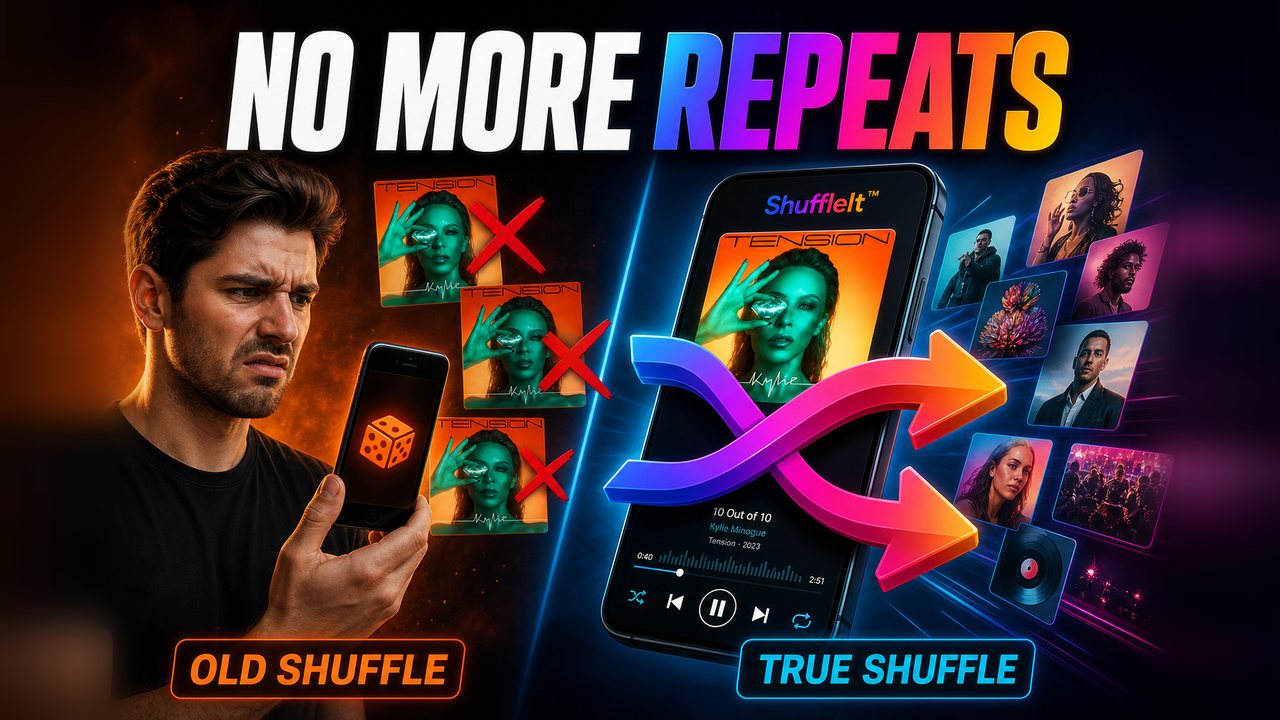
Random next-track has no memory. A true shuffle cycle marks a song played and draws the next track from what is still waiting. Nothing repeats until every track in that pass has been heard once. That is the difference explained on why shuffle repeats before your whole library plays.
Step 4. Do this in ShuffleIt
ShuffleIt™ is built for that cycle (Universal No Repeat) on local files. Scan the library, start shuffle, and leave it running. Artist spacing keeps one artist from stacking back to back. Cycle state survives app restarts, so a commute can continue the next day instead of resetting to the same hits.
- Android: free core app on Google Play, optional one-time premium unlock
- Windows: one-time purchase, same shuffle engine
- Offline: no account required for playback
Large folder collections (thousands of files) are the point, not an edge case. See what to look for in an offline player for a large MP3 library.