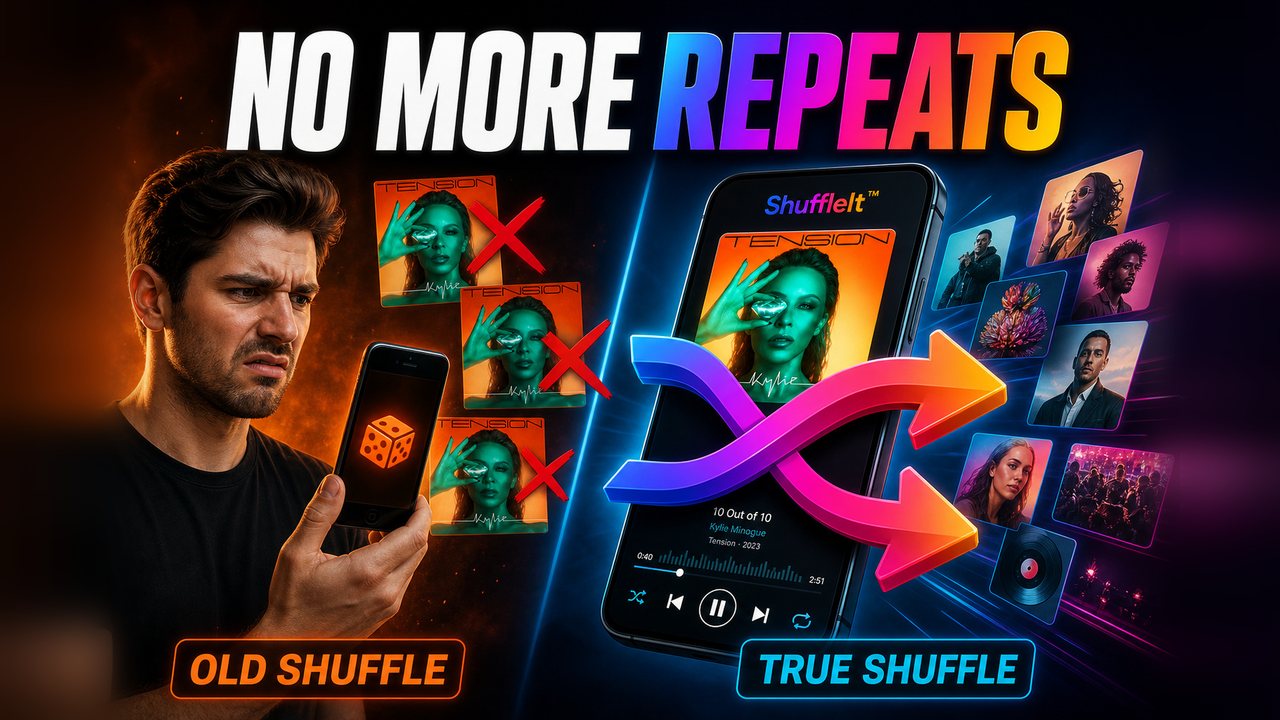
True Shuffle
Every song in your library plays once before any track repeats.
ShuffleIt™ is the offline music player built around true no-repeat shuffle.
Play MP3, FLAC, M4A, AAC, WAV, OGG, and Opus from folders on your phone or PC. No streaming. No accounts. No ads. No subscription.


Every song in your library plays once before any track repeats.
Playback works without internet. When you're online, lyrics and artist photos download automatically. You can turn that off in Settings.
No accounts, no ads, and we do not sell your data.
Crossfade, equalizer, lyrics, and library tools. A one time Pro unlock on both Android and Windows.
Light, dark, and dynamic themes with six accent colors.
Shuffle cycles survive app restarts, playlists, and banish.
ShuffleIt™ is for people who own their music. Ripped CDs, downloaded albums, sideloaded FLAC collections, and years of files stored on a phone or PC. Not a streaming app. A local music player with a shuffle engine that actually plays through your whole library before anything repeats.
Most players use lazy random algorithms that repeat favorites while ignoring half your library.
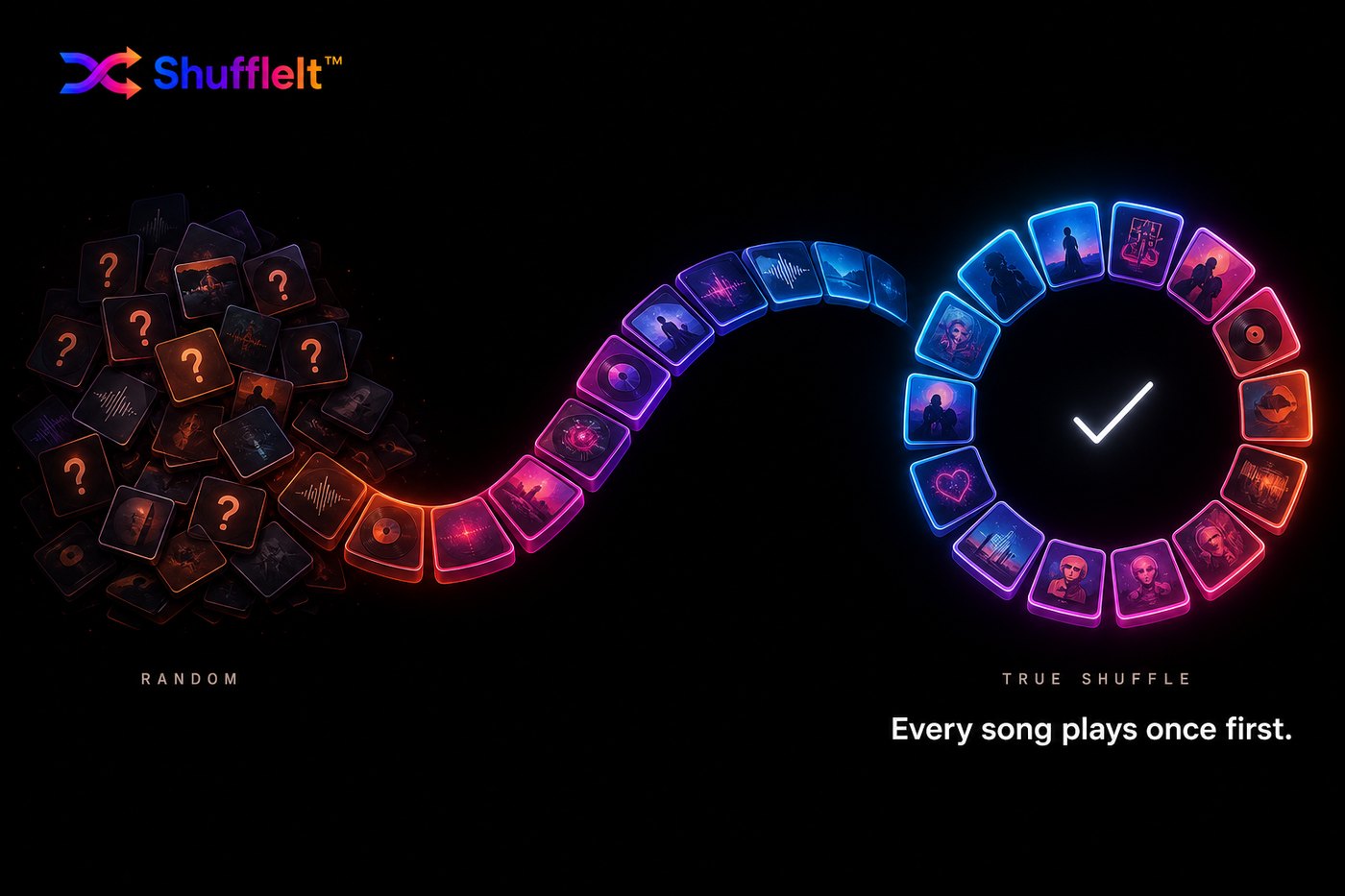
Standard music players rely on random algorithms that repeat your favorites while ignoring half your library. ShuffleIt™ guarantees true shuffle. Once a song plays, it stays played until every single track in your collection has been heard.
The cycle remains intact even if you close the app, restart your device, or switch playlists.
Same shuffle engine. Two ways to listen.
True global shuffle, offline playback, no account required. Download free, then unlock crossfade, equalizer, library tools, and more with a one time in app purchase.
Explore the App Free DownloadThe same universal no repeat shuffle engine for your PC music library. Free to download, with crossfade, equalizer, lyrics, and library tools in a one time Pro upgrade. Private and offline.
Learn MoreStraight answers for people hunting down true shuffle and offline local players.
Why random next-track feels broken on a big library, and what a no-repeat cycle changes.
Read guide AndroidFree offline player for your phone folders. No ads. Optional one-time premium unlock.
Read guideAlso: Offline FLAC · Large libraries · Shuffle without repeats · Play files offline on Android · Why Spotify repeats
Common questions about offline playback, true shuffle, and pricing.
Most music players use simple random shuffle, which can replay favorites long before your whole library has been heard. ShuffleIt™ uses a global shuffle cycle: every song plays once before any track repeats.
Yes. Playback, shuffling, and local library browsing work offline on both Android and Windows. When you're online, ShuffleIt downloads lyrics and artist photos automatically; turn off Online lyrics and artwork in Settings to stop that. Library tools like Auto Tag go online only when you use them.
ShuffleIt plays MP3, FLAC, M4A, AAC, WAV, OGG, and Opus files from your device storage or PC music folders.
No ads and no subscription. Both apps are free to download, with an optional one time Pro unlock.
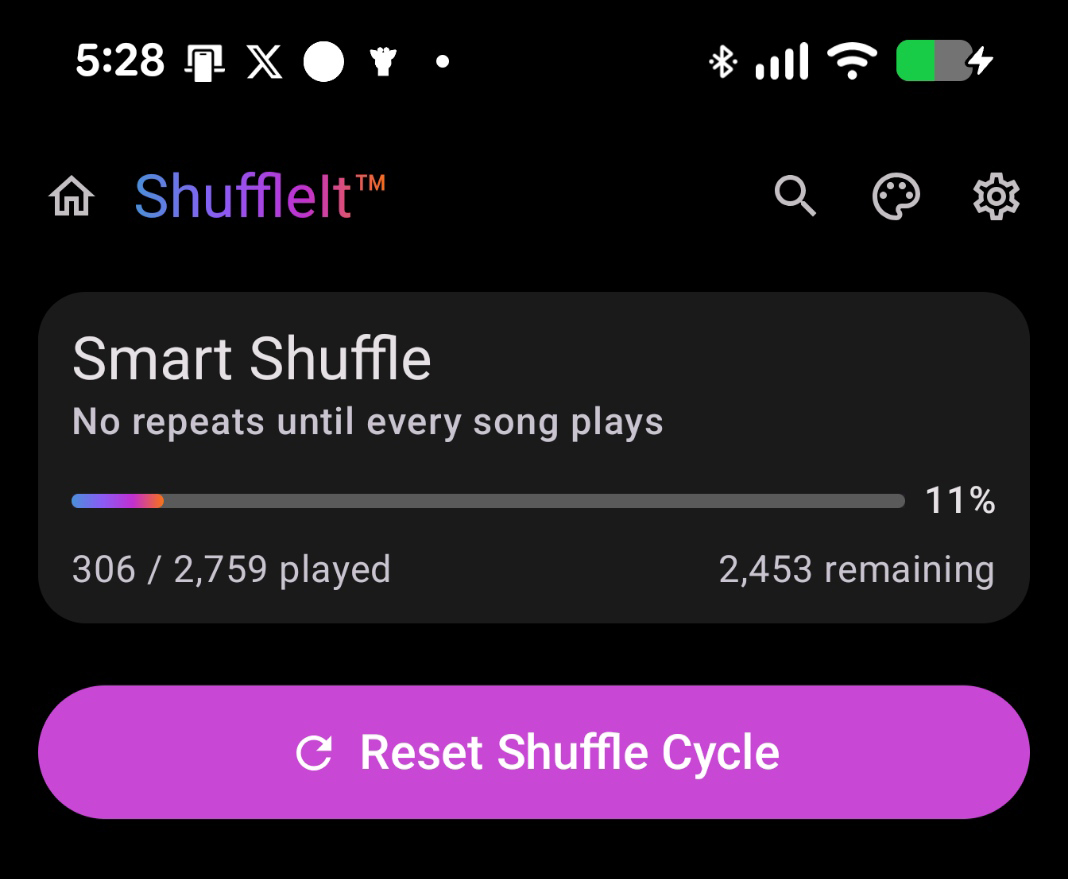
Random shuffle picks songs independently, so repeats happen by chance. ShuffleIt™ tracks what has played in the current cycle and will not repeat a song until every track in your library has been heard once.
Both apps are free to download with true shuffle and your library included. On Android, premium features unlock with a one time in app purchase. On Windows, every Pro feature is free for 14 days, then a one time license key keeps them.
Free to download on Android and Windows. Pro features unlock with a one time purchase. The same shuffle engine on both.