True Shuffle
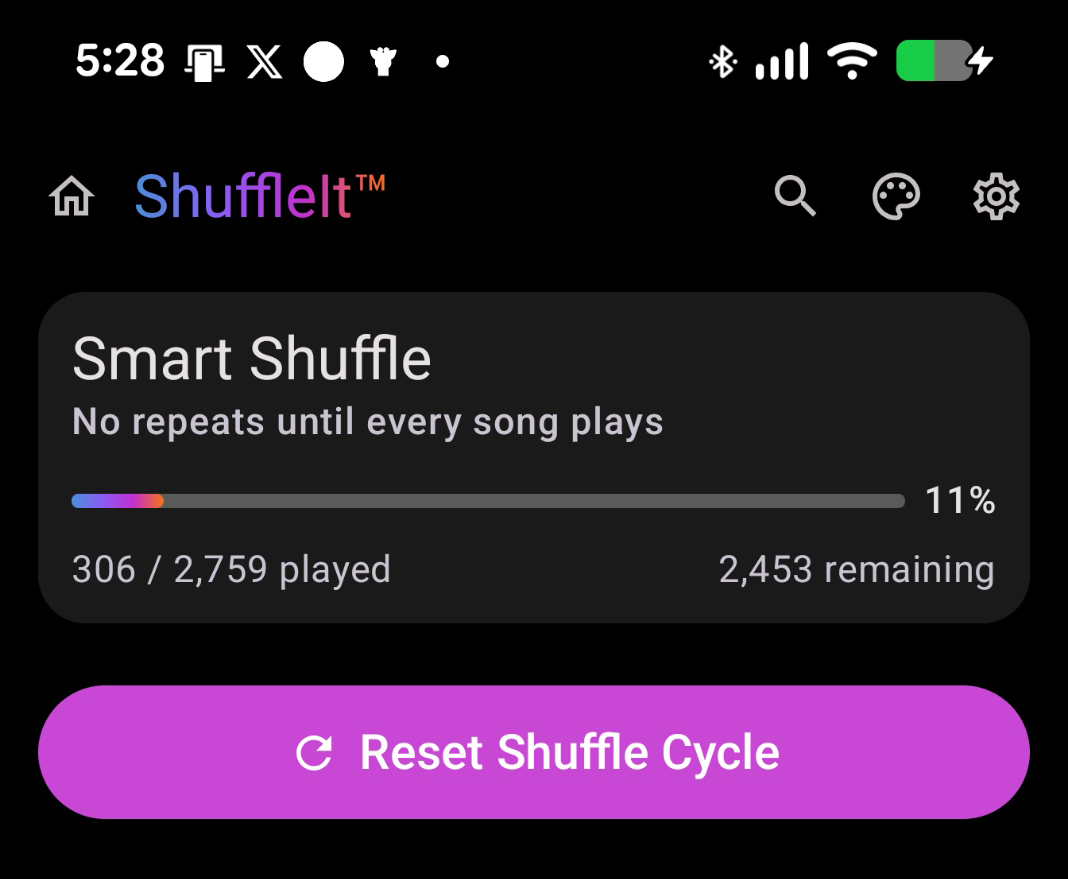
Every song in your library plays once before any track repeats.
ShuffleIt™ is the offline music player built around true no-repeat shuffle.
Play MP3, FLAC, M4A, WAV, and OGG from folders on your phone or PC. No streaming. No accounts. No ads. No subscription.


Every song in your library plays once before any track repeats.
Playback stays on your device. Optional metadata tools may use the internet when you choose them.
No accounts, no ads, and we do not sell your data.
Crossfade, equalizer, lyrics, and library tools. Premium unlock on Android; all included on Windows.
Light, dark, and dynamic themes with six accent colors.
Shuffle cycles survive app restarts, playlists, and banish.
ShuffleIt™ is for people who own their music. Ripped CDs, downloaded albums, sideloaded FLAC collections, and years of files stored on a phone or PC. Not a streaming app. A local music player with a shuffle engine that actually plays through your whole library before anything repeats.
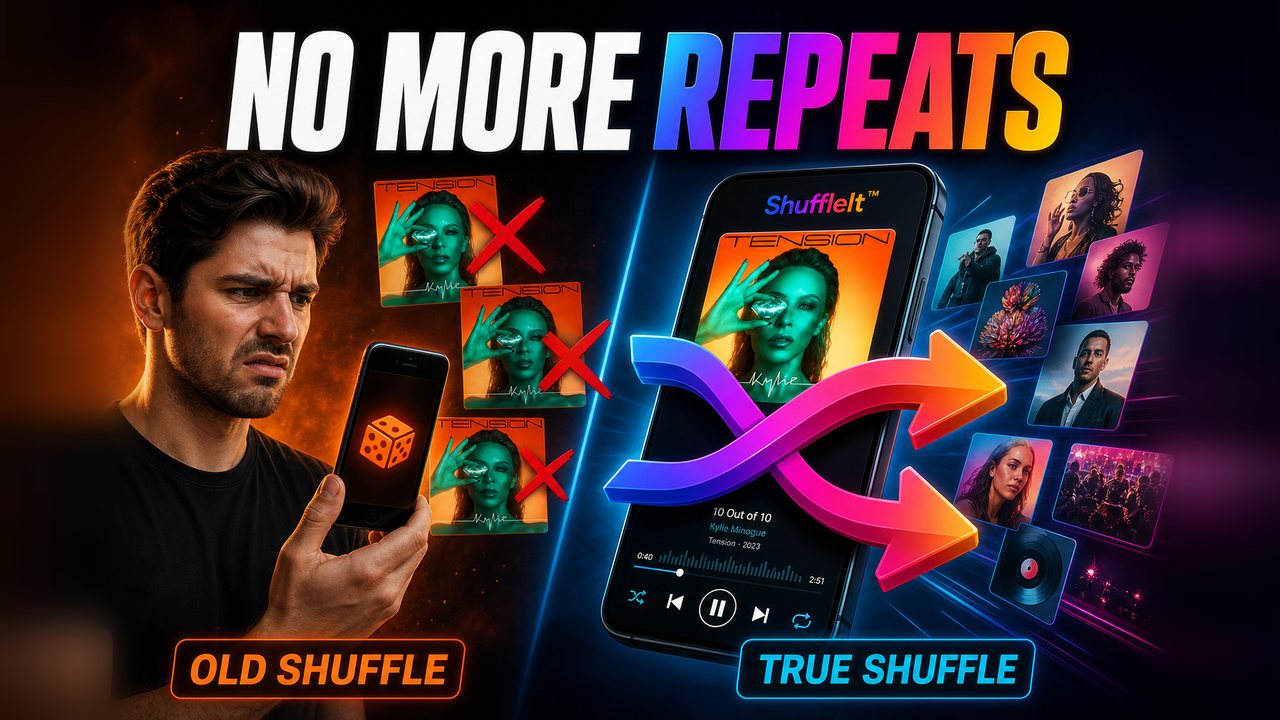
Most players use lazy random algorithms that repeat favorites while ignoring half your library.
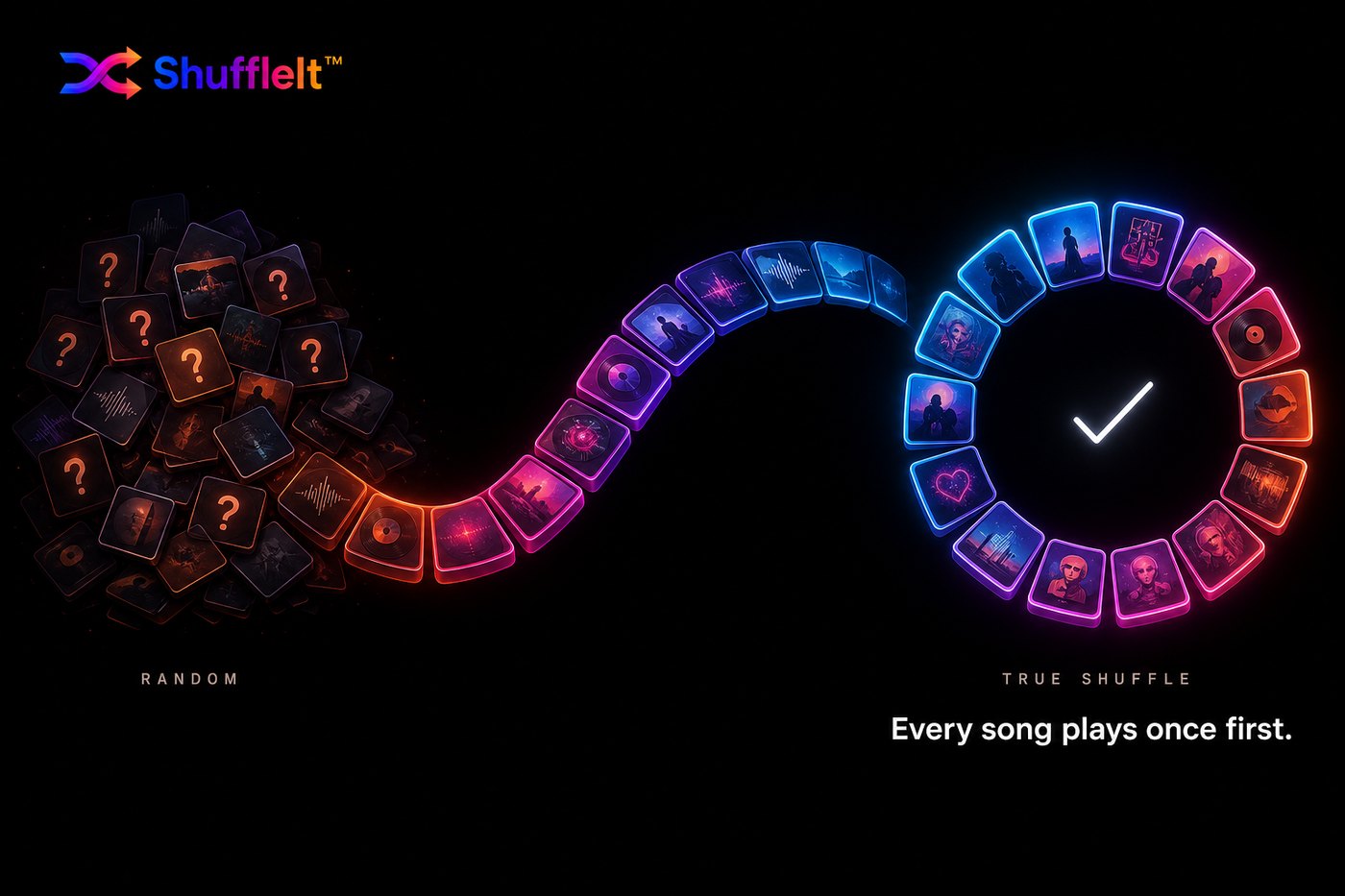
Standard music players rely on random algorithms that repeat your favorites while ignoring half your library. ShuffleIt™ guarantees true shuffle. Once a song plays, it stays played until every single track in your collection has been heard.
The cycle remains intact even if you close the app, restart your device, or switch playlists.
Same shuffle engine. Two ways to listen.
True global shuffle, offline playback, no account required. Download free, then unlock crossfade, equalizer, library tools, and more with a one time in app purchase.
Explore the App One Time PurchaseThe same universal no repeat shuffle engine for your PC music library. Crossfade, equalizer, lyrics, and library tools included. Private and offline.
Learn MoreStraight answers for people hunting down true shuffle and offline local players.
Why random next-track feels broken on a big library, and what a no-repeat cycle changes.
Read guide AndroidFree offline player for your phone folders. No ads. Optional one-time premium unlock.
Read guideAlso: Offline FLAC · Large libraries · Shuffle without repeats · Play files offline on Android · Why Spotify repeats
Common questions about offline playback, true shuffle, and pricing.
Most music players use simple random shuffle, which can replay favorites long before your whole library has been heard. ShuffleIt™ uses a global shuffle cycle: every song plays once before any track repeats.
Yes. Playback, shuffling, and local library browsing work offline on both Android and Windows. Optional metadata tools may use the internet only when you choose to use them.
ShuffleIt plays MP3, FLAC, M4A, WAV, and OGG files from your device storage or PC music folders.
No ads and no subscription. Android is free to download with an optional one time premium unlock. Windows is a one time purchase with everything included.
Random shuffle picks songs independently, so repeats happen by chance. ShuffleIt™ tracks what has played in the current cycle and will not repeat a song until every track in your library has been heard once.
ShuffleIt for Android is free to download with core shuffle and library features included. Premium playback and library tools unlock with a one time in app purchase. ShuffleIt for Windows is a one time purchase.
Free to download on Android. Premium features available in the app. Windows desktop with the same shuffle engine you already trust.